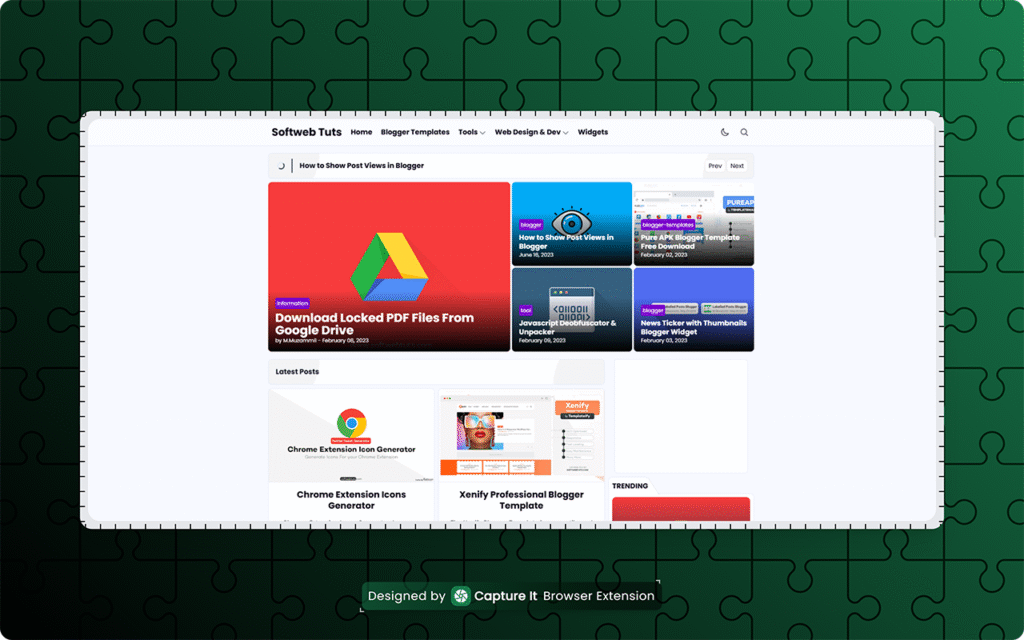
Creating clean, professional screenshots shouldn’t require heavy design tools. Capture It! is a lightweight Chrome extension that lets you capture and edit screenshots in beautiful designs—right inside your browser.
Pixel-Perfect Screenshots, Every Time
Unlike traditional screenshot tools, Capture It guarantees 100% visual accuracy. Fonts, layouts, and styles are preserved exactly as you see them on the page—no distortions, no missing elements. What you capture is what you get.
Edit & Beautify in Seconds
With live padding and margin controls, rounded corners (including smooth iOS-style), and stunning gradient backgrounds, your screenshots instantly look polished and share-ready. You can even re-crop images later for further editing.
Built for Speed and Focus
Capture It – is designed for a fast workflow. Click the extension, hover to select an element, and capture. Need a distraction-free screenshot? Press H to temporarily hide unwanted elements.
Flexible Export & Full Privacy
Export your screenshots in PNG, JPG, WEBP, or SVG with full quality control. Choose between Light, Dark, or System themes, and enjoy complete peace of mind—all processing happens locally, with no login or data tracking.
How Capture It Works
-
Click the extension and select a capture mode
-
Hover or select the element you want
-
Save, copy, or edit your screenshot instantly
🚀 Ready to Upgrade Your Screenshots?
👉 [Install Capture It Extension]
📘 [View Extension Documentation]
Capture smarter. Design faster. Share beautifully.